
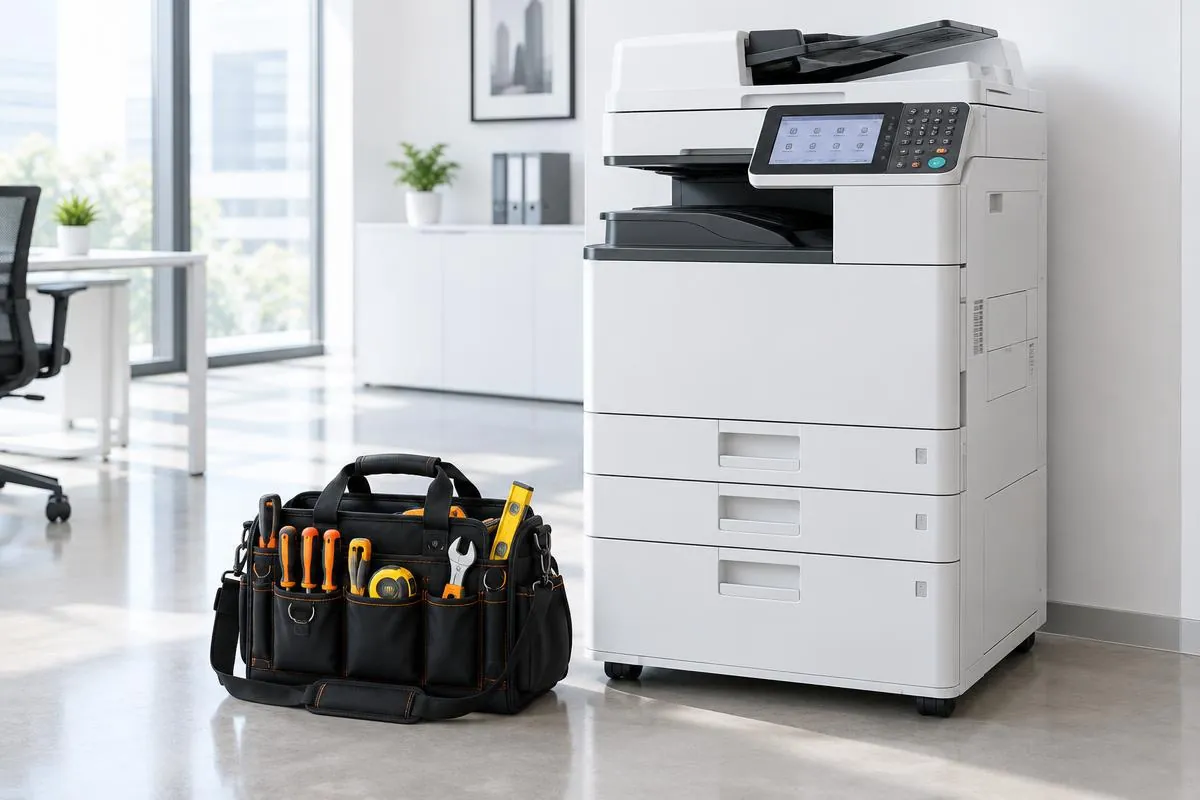
Engineer workspace
The job details your engineers need, on a phone.
Open assigned work, check the customer and machine details, and record the service visit in the same job record used by the office.
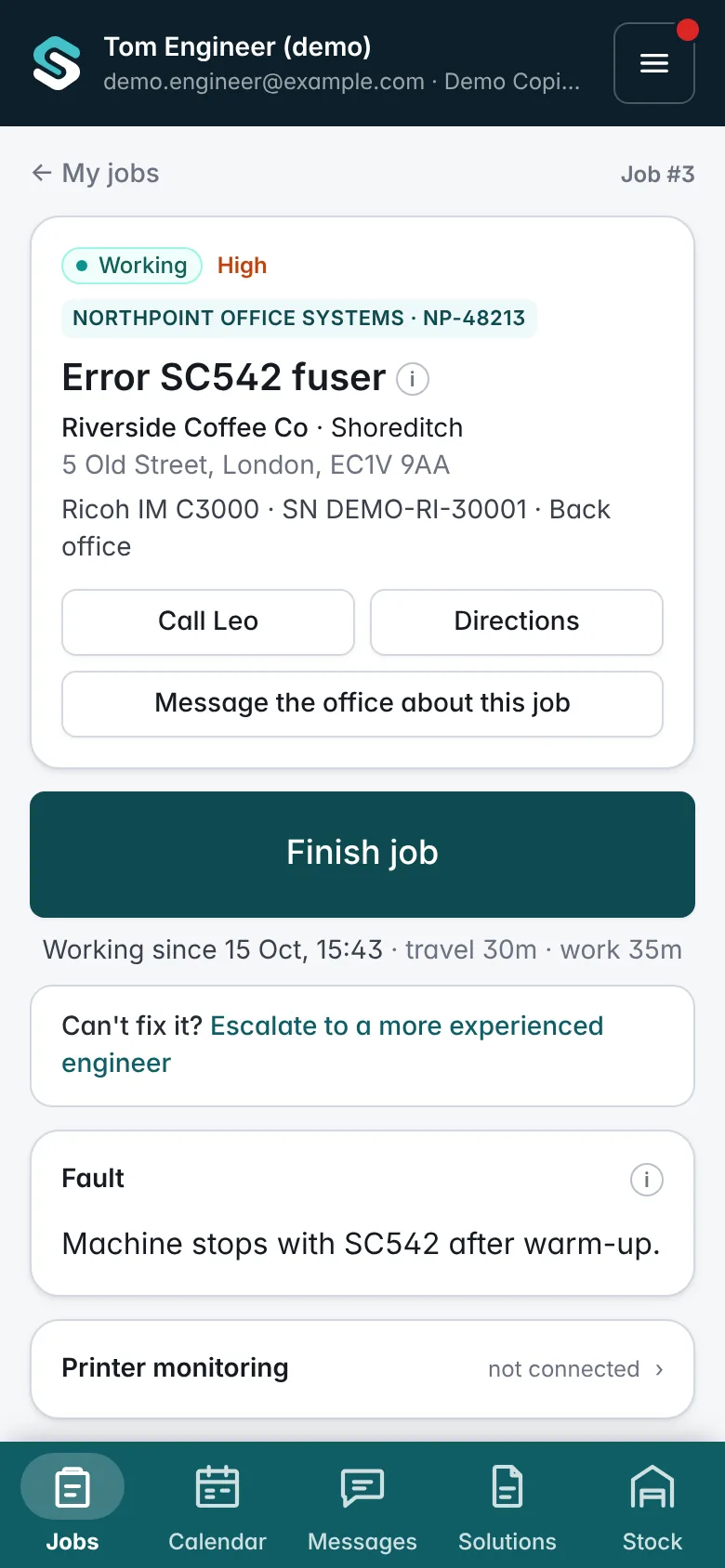
Start with the right information.
View the fault, site address, contact details and machine record before the visit. Use the call and directions links when needed, and see the machine’s recent visits.
Jobs can also appear in the engineer’s own Google Calendar, Outlook or iPhone calendar through a private calendar link. See integrations.
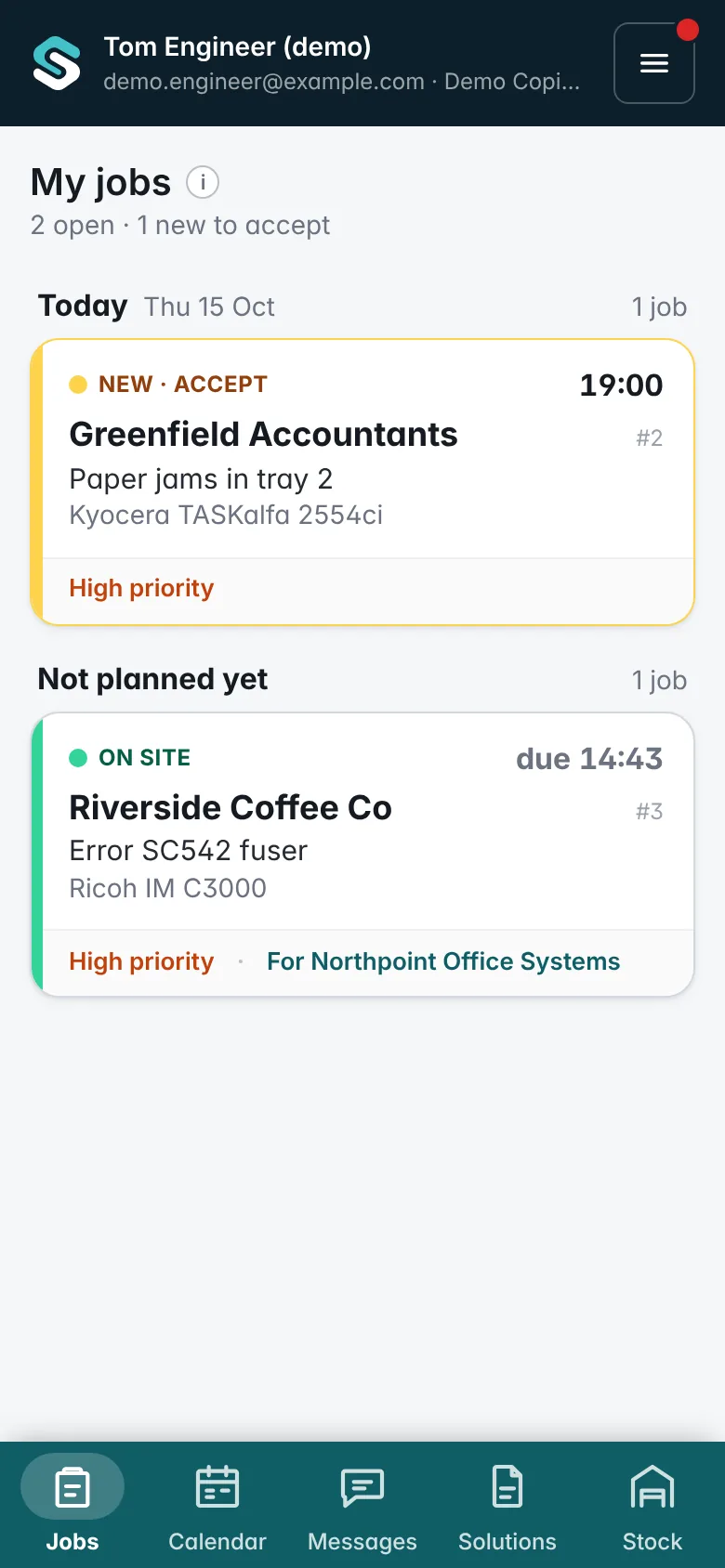
See what fixed this before.
When a job has an error code, the engineer sees the earlier jobs in your firm that fixed the same code: what was found, the fix code and the parts used. Check it before setting off and take the right part in the van, so the fault is fixed on the first visit.
Error codes come from the printer itself when it is monitored by the SubClik Agent. More about automation.
Job #2207 · Aug 2026 · Ricoh IM C3000 · Harrow Dental
Fuser thermistor dirty, fuser unit replaced. 50 test prints fine.
Fix: Fuser replaced1 × Fuser unit
Job #1874 · Mar 2026 · Ricoh IM C2500 · Soho Coffee
Fuser lamp connector loose, reseated and tested.
Fix: Connector reseatedNo parts
Record the work as you go.
Move the job through its stages: accepted, travelling, on site and working. Travel and labour time are recorded from these steps.
Record parts from the van stock, meter readings and notes against the visit, and keep service photos and checklist answers with the job. No signal in the basement? The app keeps working and sends everything, with the real times, when the phone is back online.
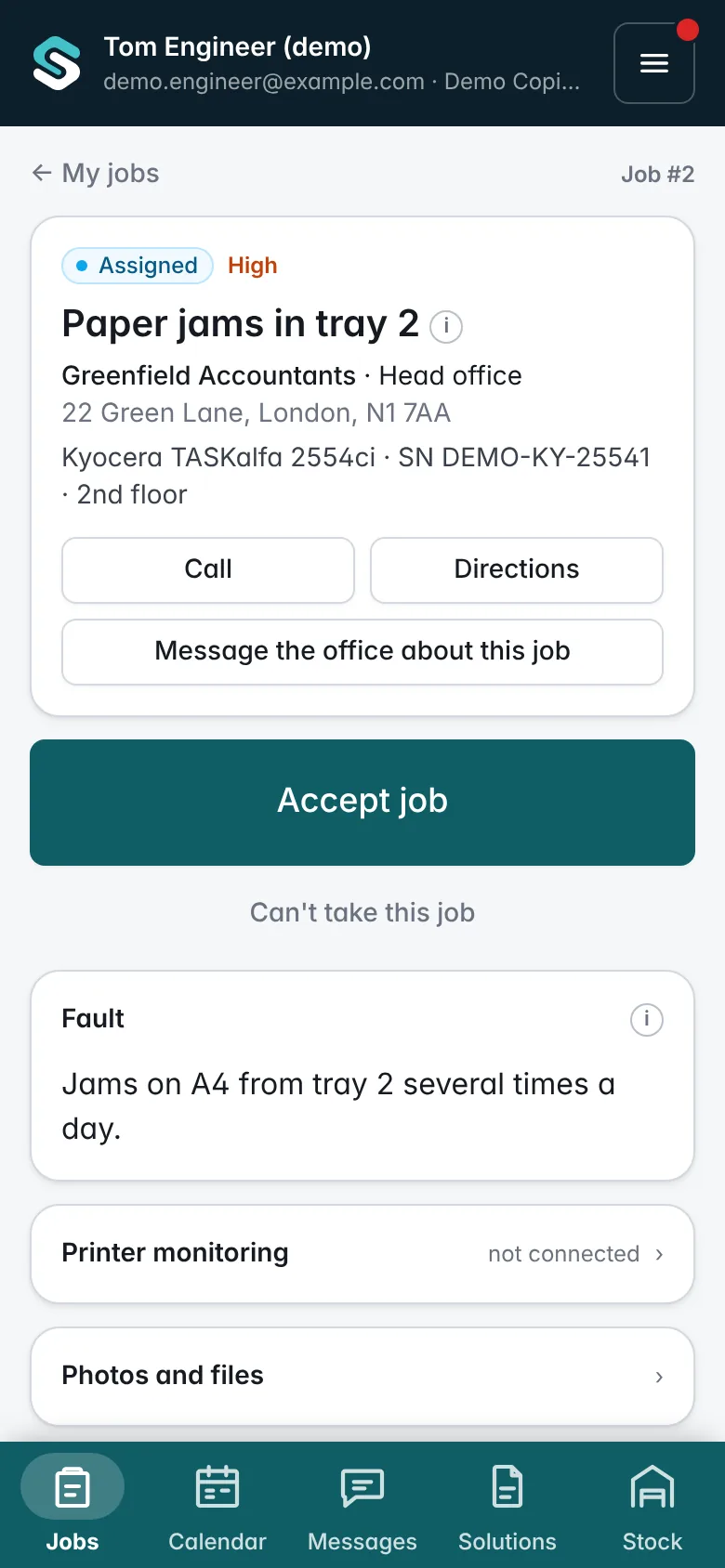
Finish with a clear service record.
Complete the required checklist and record the outcome: fixed, or parts needed for a return visit. The customer can sign on the phone, or the engineer records why there is no signature. The customer receives a PDF job sheet by email, and the office receives the completed record for review.
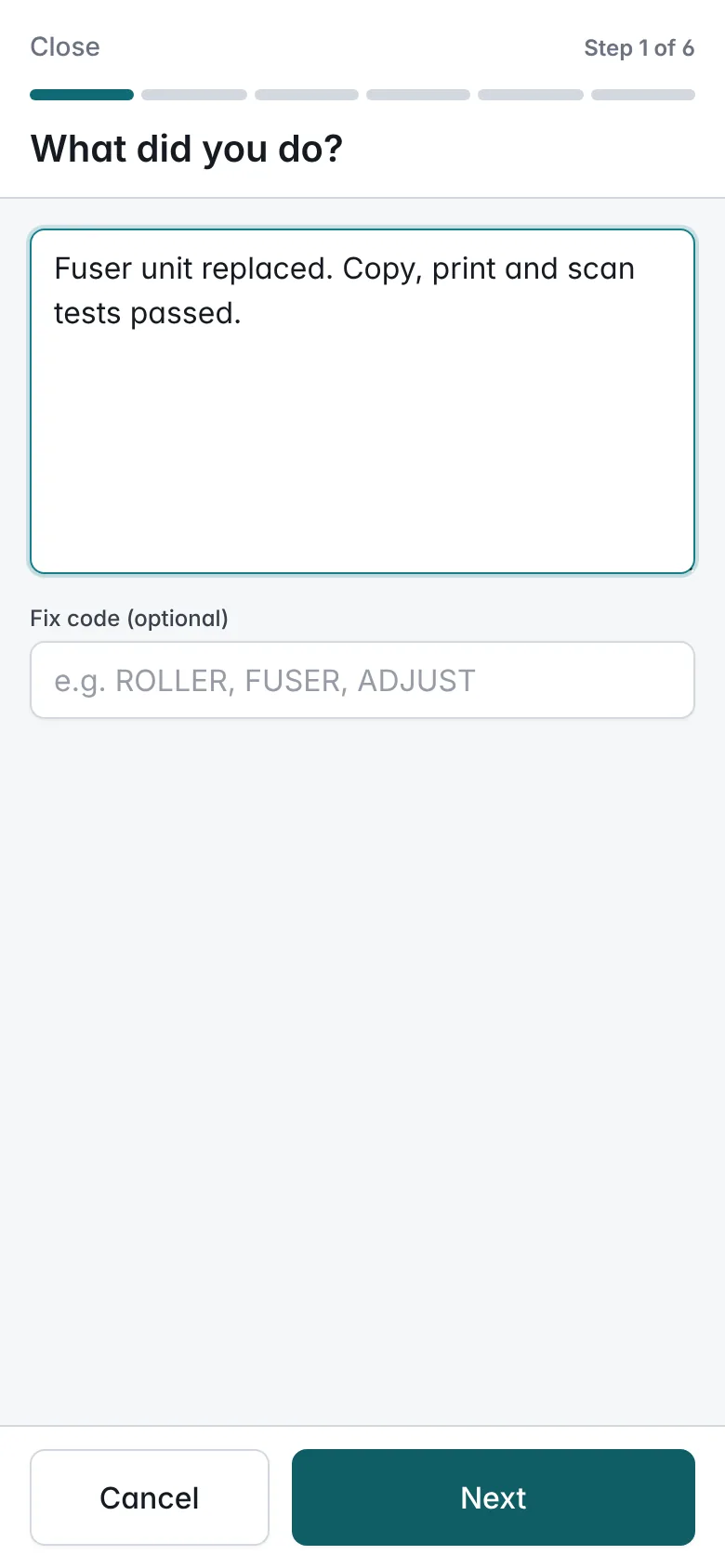
Example: a visit from the engineer’s side
- Step 1
Open the assigned job and check the site, contact and machine.
- Step 2
Tap through travelling and on site; the time is recorded as you go.
- Step 3
Add the part fitted and the meter readings, and answer the checklist.
- Step 4
Finish with the customer’s sign-off. The office sees the record straight away.
SubClik runs in the phone’s web browser; there is nothing to install from an app store. The interface is currently available in English.
Questions
Do engineers need to install an app?
Does it work without signal?
Can engineers record parts that are not in the van?
Which meters can be recorded?

See it with your own jobs and machines.
We’ll walk you through the office portal and engineer workspace and discuss how your team works today.