
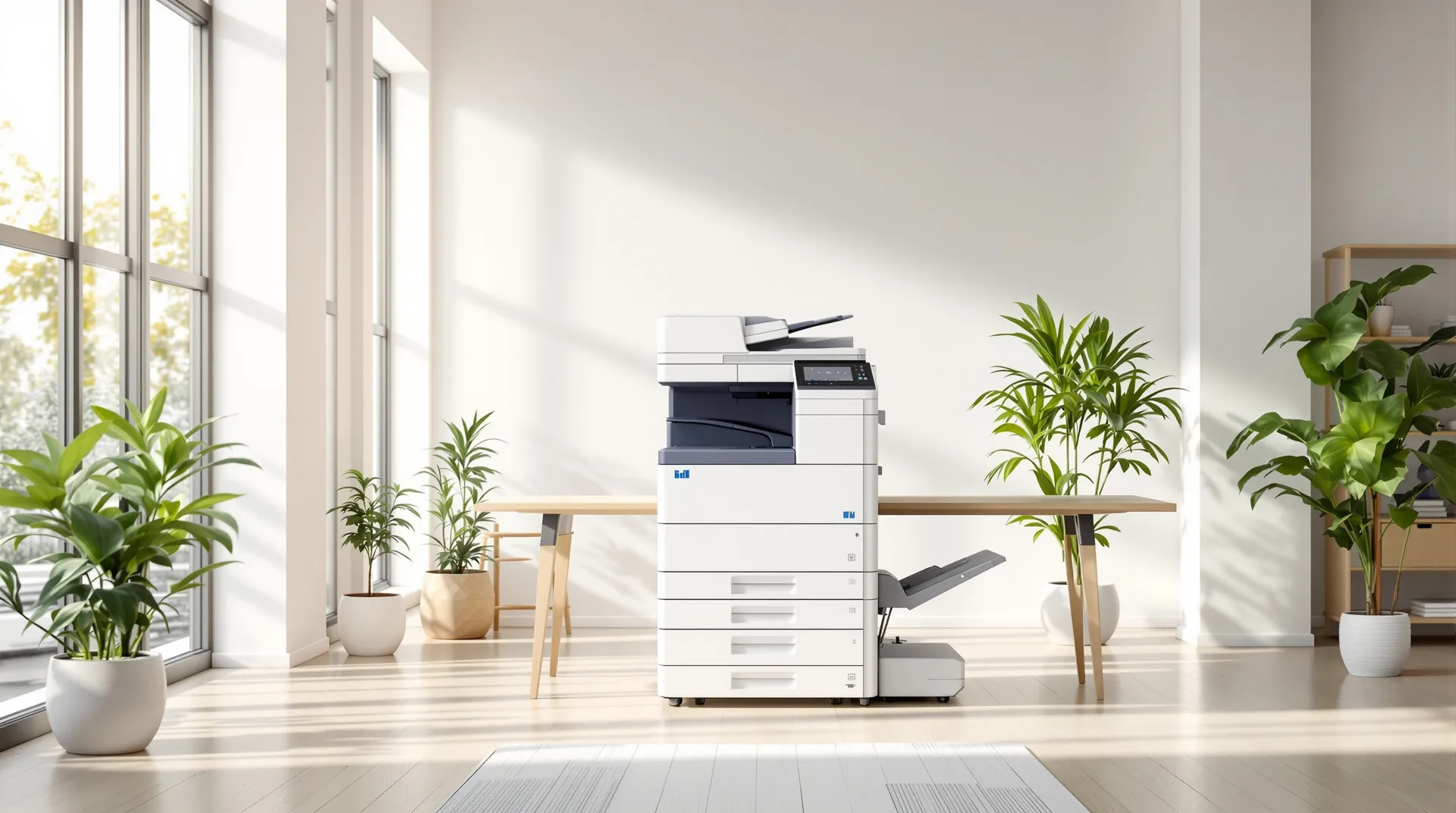
Customers & machine history
Keep each machine’s service history together.
Connect customer sites, machine details, meter readings, printer problems and previous visits in one record that the office, the engineer and the customer can rely on.
Know which machine the job is for.
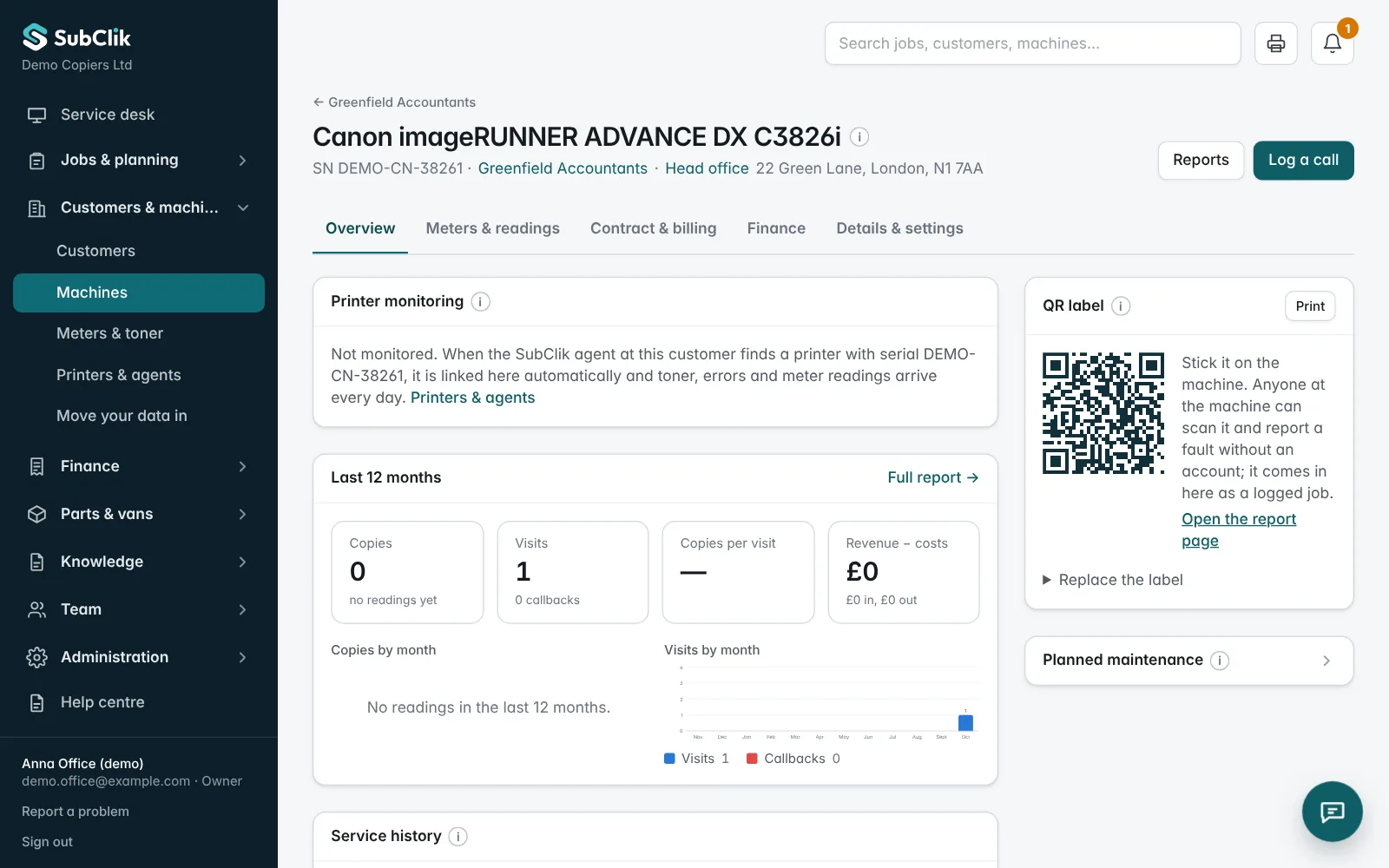
Maintain the make, model, serial number, asset ID and location in the building, with the customer site it belongs to. Link service jobs to the right device so the history remains useful.
For freelance work, a machine can also show which client company it is serviced for.
Review previous work before the next visit.
Follow past service visits and recorded notes to understand what has already been checked or replaced. A repeat fault on the same machine shortly after a visit is linked to the earlier job.
Readings and problems, connected to the device.
Record the machine’s meter types and readings against it. Readings come from engineers, from the office, from the customer through a reading request link, or every day from the SubClik Agent. A reading lower than the previous one, or far above normal use, is held for checking. Readings feed contract click billing where it applies.
For a monitored machine you also see its live status and toner, and every problem it has reported: error codes, jams and how long it was stopped.
Now: SC542 · fusing unit temperature
Seen 07:42 · checked every minute
| Problem | Times | Stopped |
|---|---|---|
| Paper jam, tray 2J-17 | 6 | 48 min |
| Service call: fusing unitSC542 | 1 | 3 h 10 min |
| Front door open | 4 | 12 min |
| Toner low, black | 1 | — |
Paper jams this week
Faults reported from the machine itself.
Stick a QR label on each machine. Anyone in the building scans it and reports a fault against the right machine, without an account. Customers with a sign-in can also see all their machines in the customer portal and report a fault or order toner from there.
Automatic readings and printer problems need the SubClik Agent at the customer’s site and a network printer that answers SNMP. Machines without it keep their readings from engineers, the office and customer reading requests.
Questions
Can one customer have several machines?
Can we import our existing machines?
Do meter readings have to be typed in?

See it with your own jobs and machines.
We’ll walk you through the office portal and engineer workspace and discuss how your team works today.